Capture-first todo app
Capture first.
Organize later.
The todo app that gets out of your way. Type your thought, tap once, done. Planning happens on your schedule — not every time you open the app.
The idea
Built for how your brain actually works
-
One-tap capture
Open the app, type, tap once. Your thought is saved. No category picker, no priority drop-down, no friction.
-
Plan when you plan
Triage the inbox on your schedule. Sort into Today, Later, or trash with a swipe. No nags.
-
Focus mode
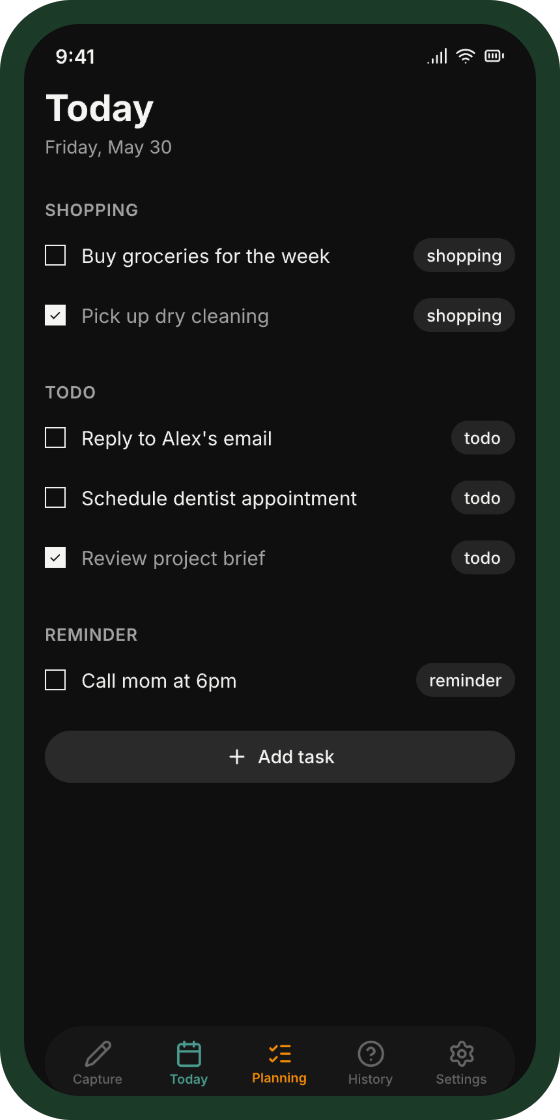
Today view shows only what's due today. Nothing else. Finish it, close the app.
The app
Everything you need, nothing you don't
A focused set of screens designed around one workflow: capture, plan, do.
-
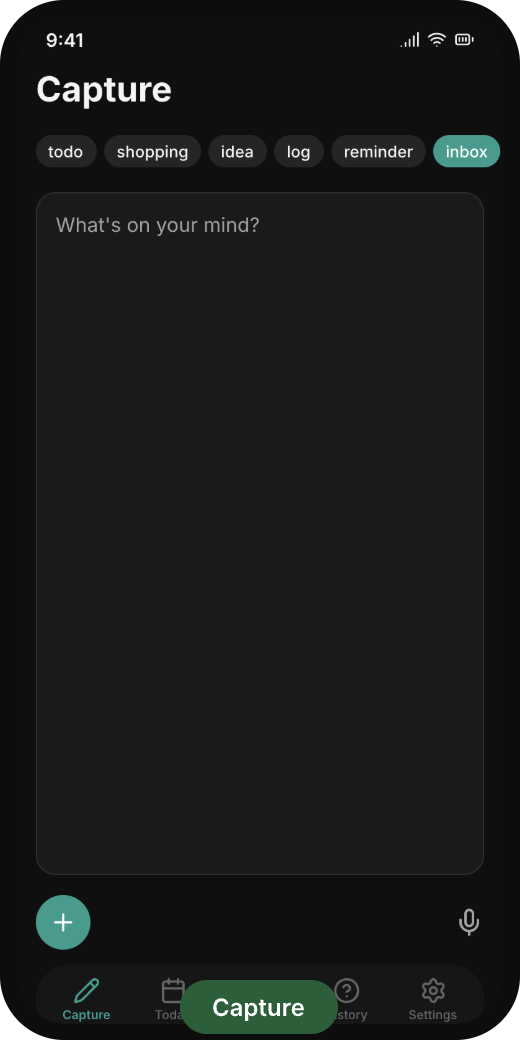 Capture
 -
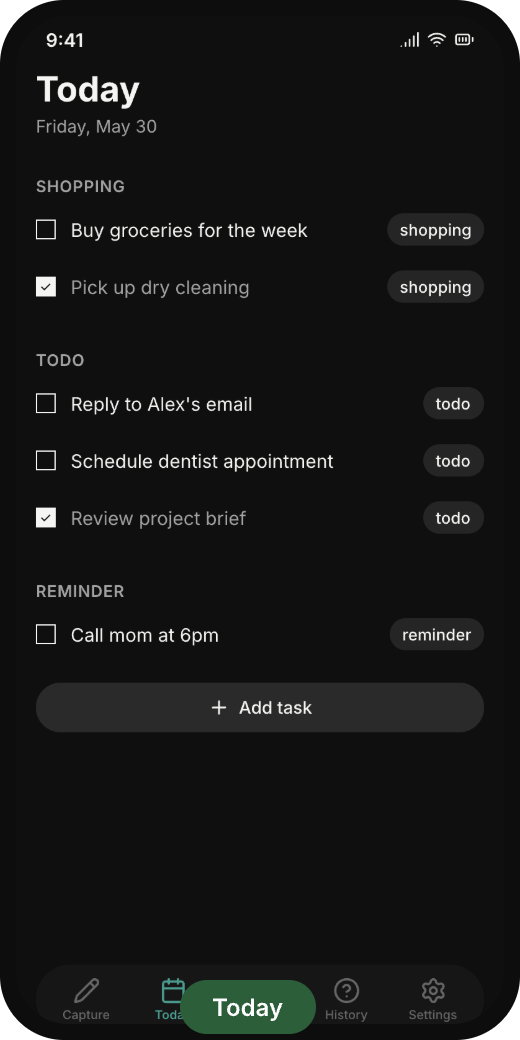 Today
Today -
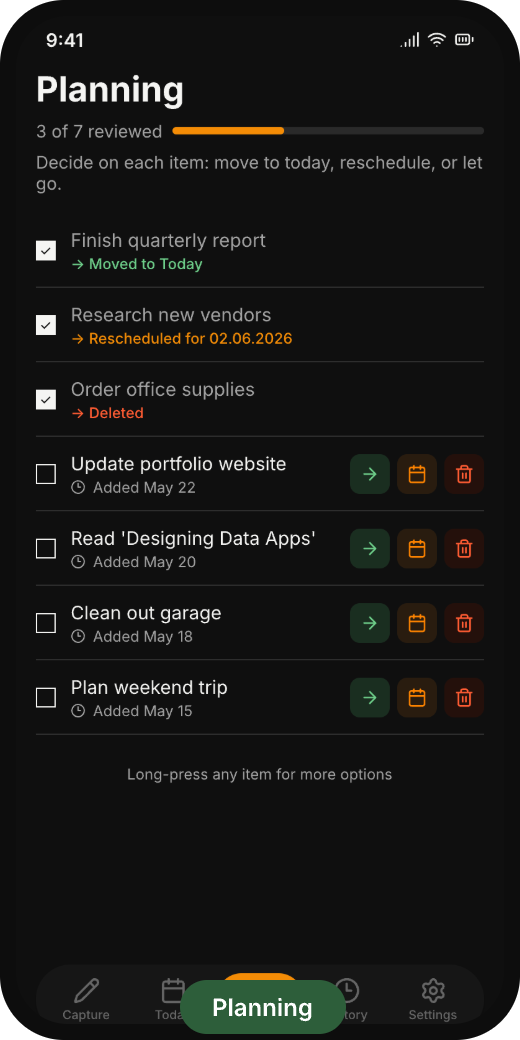 Planning
By the numbers
Designed around constraints
- <1s From open to captured
- 0 Required fields per task
- 100% On-device voice transcription
- 5 Beta users — invite only
Ready to capture?
Beta is invite-only and capped at five users. Drop a line if you want in.
Request beta access